Loading...
Design Resources
Explore recommended design resources by task. Read the introductions, then visit the official websites to use each tool.
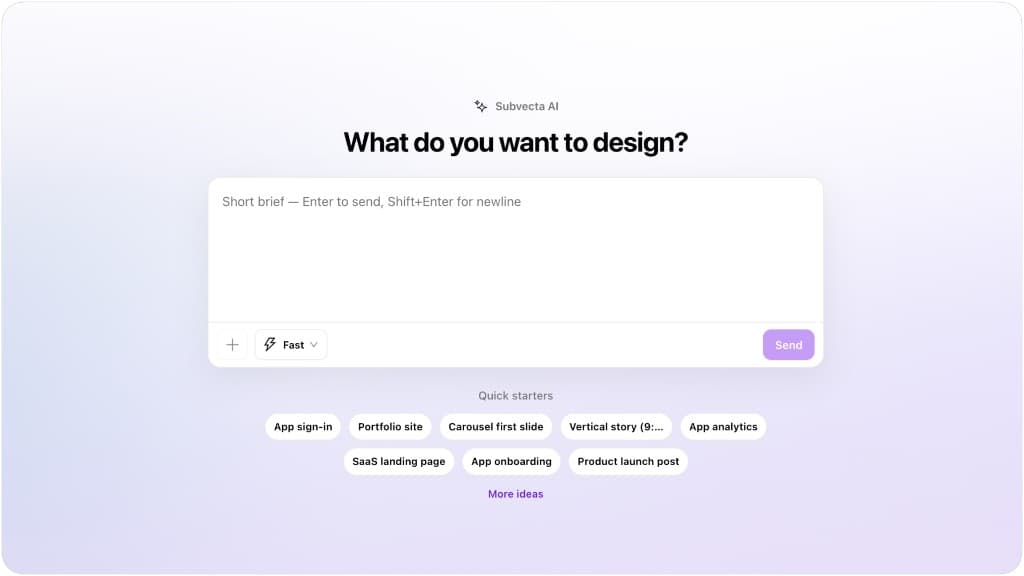
Subvecta
Category: Design Tool
With the new Subvecta, you can generate fully editable designs — not static images — across UI, posters, and more, all on an infinite canvas.
Read introduction →
Figma Translator AI
Category: Design Tool
Translate your designs instantly in 100+ languages with intelligent context understanding. Batch translate multiple nodes, add custom instructions for tone and style, and localize your designs with ease.
Read introduction →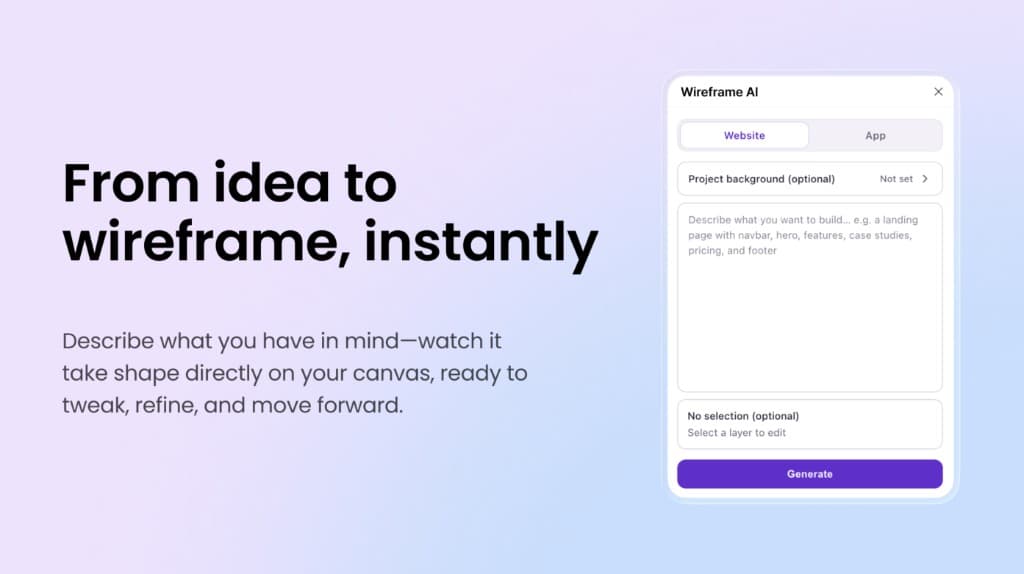
Wireframe AI
Category: Design Tool
From idea to wireframe, instantly. Describe what you want to build in plain language—Wireframe AI generates layouts on your Figma canvas so you can tweak, refine, and move forward. Works for website and app flows.
Read introduction →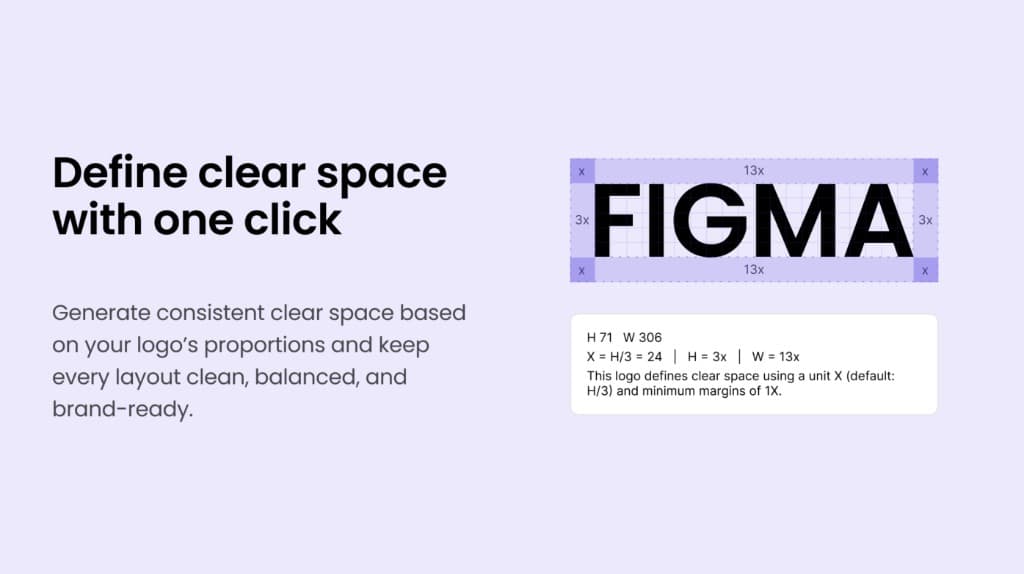
Logo Grid
Category: Design Tool
Logo Grid automatically generates grid lines and related auxiliary elements from the selected logo layer for annotation and documentation. It can also generate the logo safe area and corresponding markers. Optional theme colors and an information caption help fit brand guidelines and slide decks.
Read introduction →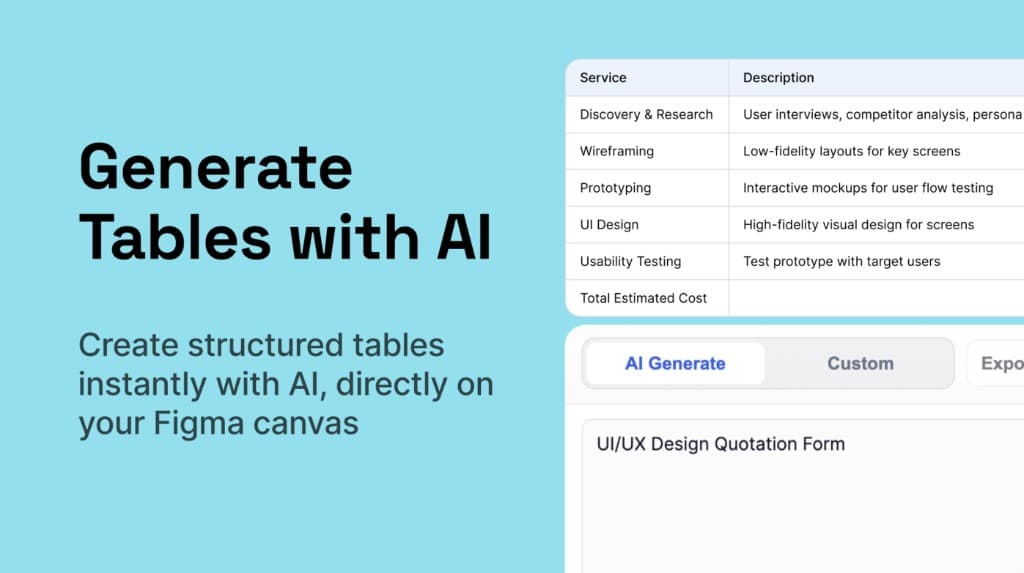
Tably — Table Generator
Category: Design Tool
Generate tables with AI. Create structured tables instantly with AI, directly on your Figma canvas—ideal for quotations, scopes of work, and spec sheets you can tweak before export.
Read introduction →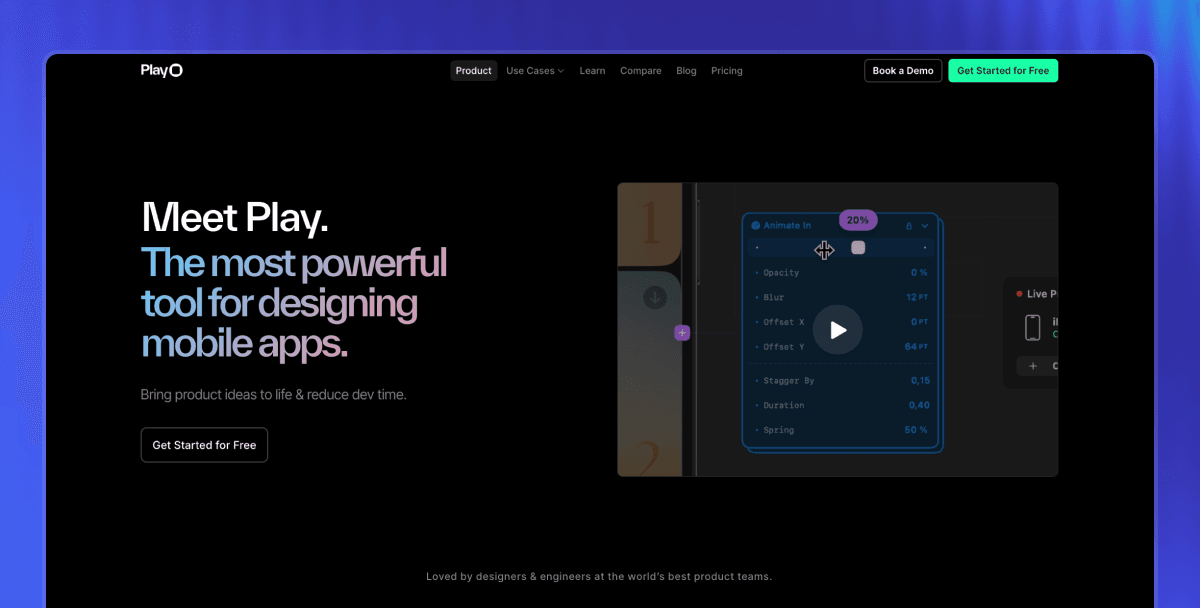
Play
Category: iOS Prototyping
A powerful tool for designing mobile apps. It combines a familiar design canvas with native Apple iOS elements—date pickers, maps, Swift charts, text fields—so you can use them directly in your designs.
Read introduction →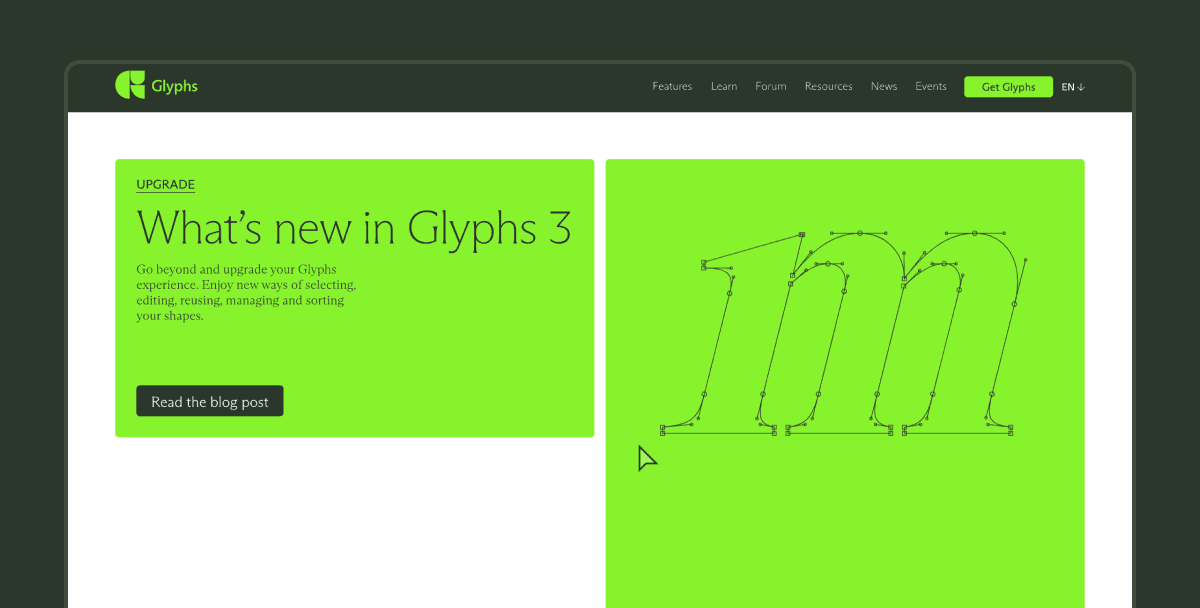
Glyphs
Category: Font Design
A professional font design tool for designers, typographers, and type developers. Create and edit fonts from scratch, export OpenType, with support for multiple languages and complex features.
Read introduction →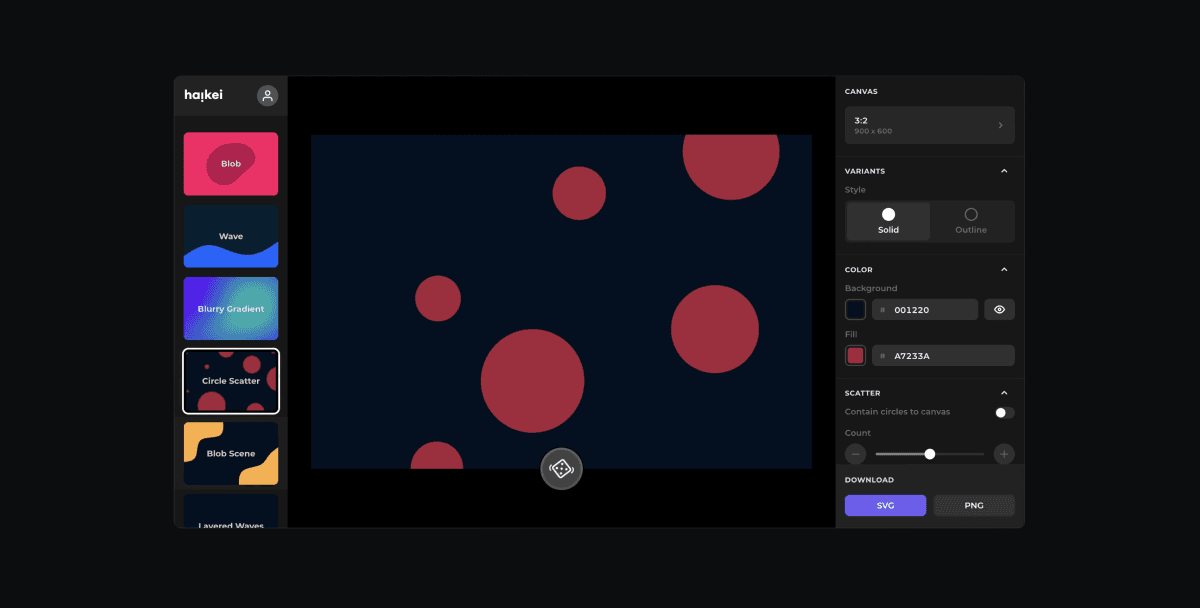
Haikei
Category: Design Tool
Haikei generates SVG waves, gradients, grids, blurs, and other background shapes. Customize colors and parameters, export as SVG/PNG. Ideal for landing pages, presentations, and UI backgrounds.
Read introduction →
Excalidraw
Category: Design Tool
Excalidraw is a hand-drawn style online whiteboard and diagramming tool. Great for wireframes, flowcharts, and sketches. Supports collaboration and PNG/SVG export. Open source and free.
Read introduction →
Remove.bg
Category: Design Tool
Remove.bg removes image backgrounds in one click. Supports portraits, products, and more. Ideal for cutouts, ID photos, and design assets. Free tier has resolution limits; paid plans allow HD export.
Read introduction →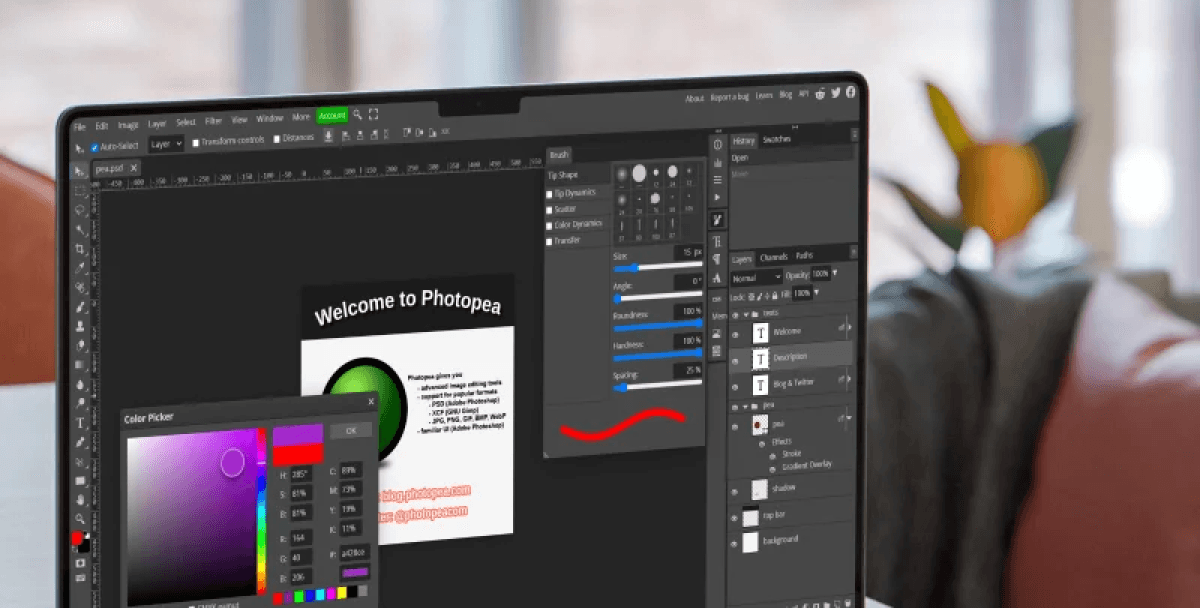
Photopea
Category: Design Tool
Photopea is a browser-based "online Photoshop." Supports PSD, AI, Sketch formats with layers, masks, and filters. Edit images and prepare UI assets without installation.
Read introduction →
Canva
Category: Design Tool
Canva is an online design tool with a large template and asset library. Quickly create posters, social media graphics, presentations, and more. Ideal for non-designers to produce visuals fast.
Read introduction →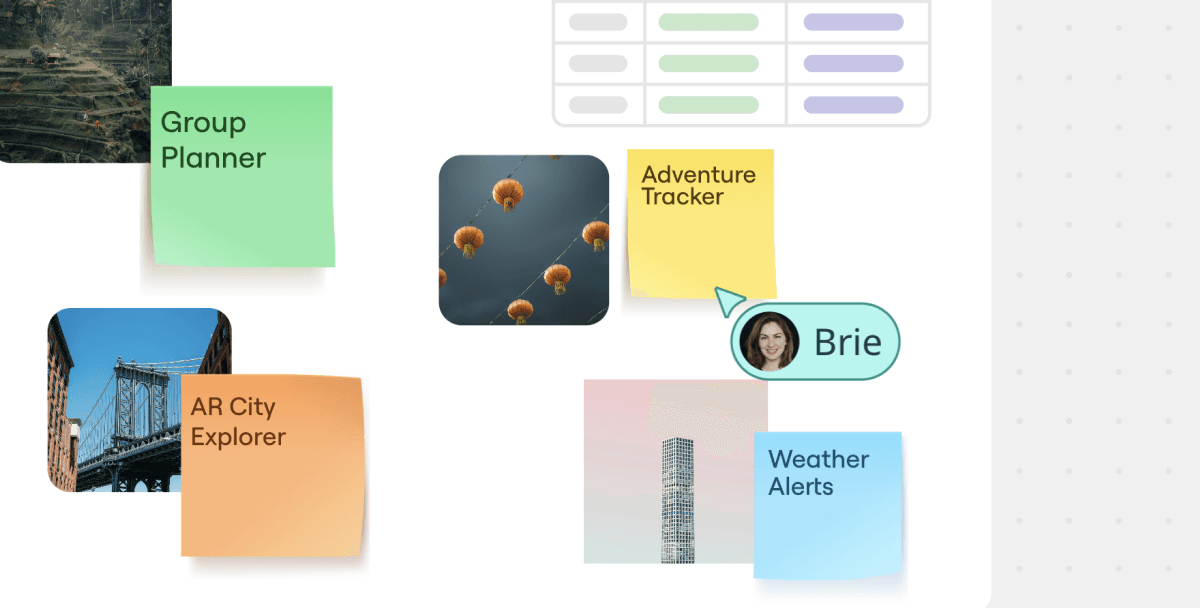
Miro
Category: Design Tool
Miro is an online whiteboard and collaboration platform. Supports brainstorming, flowcharts, user story maps, and remote workshops. Ideal for team design and product collaboration.
Read introduction →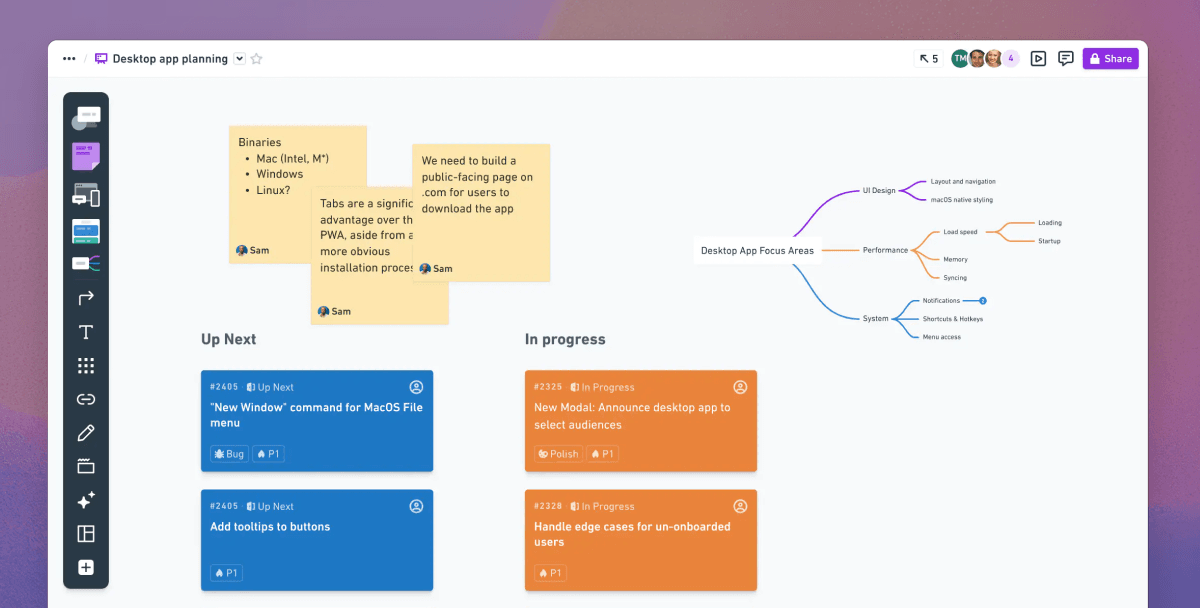
Whimsical
Category: Design Tool
Whimsical lets you quickly create wireframes, flowcharts, mind maps, and docs. Supports collaboration and sharing. Ideal for product and design communication.
Read introduction →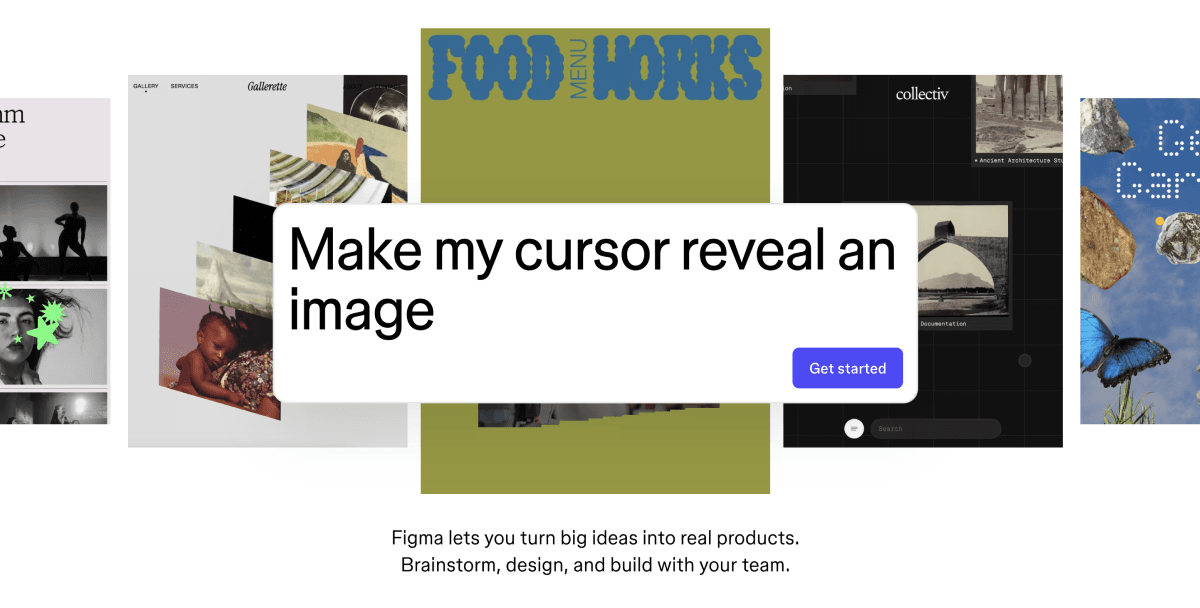
Figma
Category: Design Tool
Figma is a collaborative online design tool for teams. Supports UI design, prototyping, dev handoff, and plugins. Real-time collaboration.
Read introduction →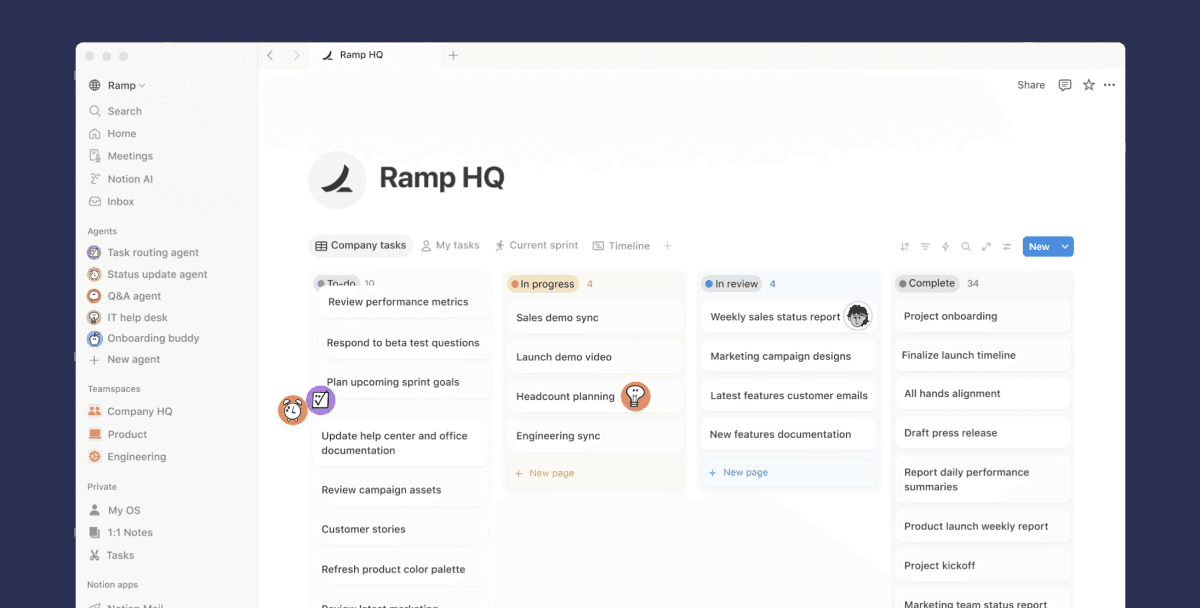
Notion
Category: Design Tool
Notion combines docs, tables, boards, and wikis. Ideal for design specs, requirements docs, and team knowledge management.
Read introduction →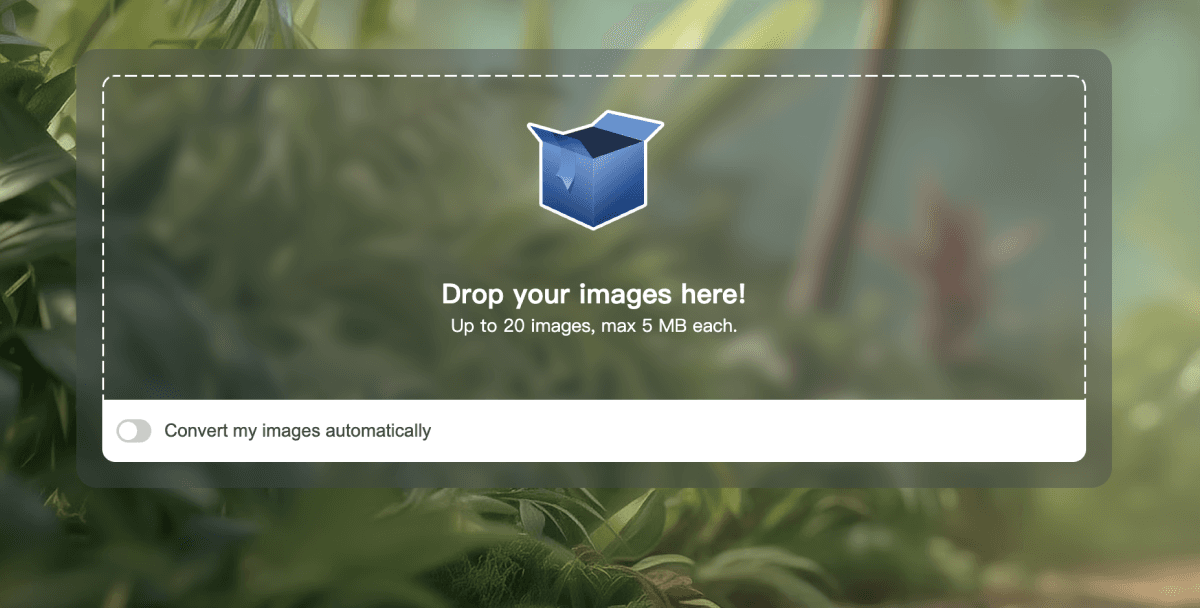
TinyPNG
Category: Design Tool
TinyPNG uses smart compression to reduce PNG/JPG file size with minimal quality loss. Ideal for optimizing web and asset size while keeping clarity.
Read introduction →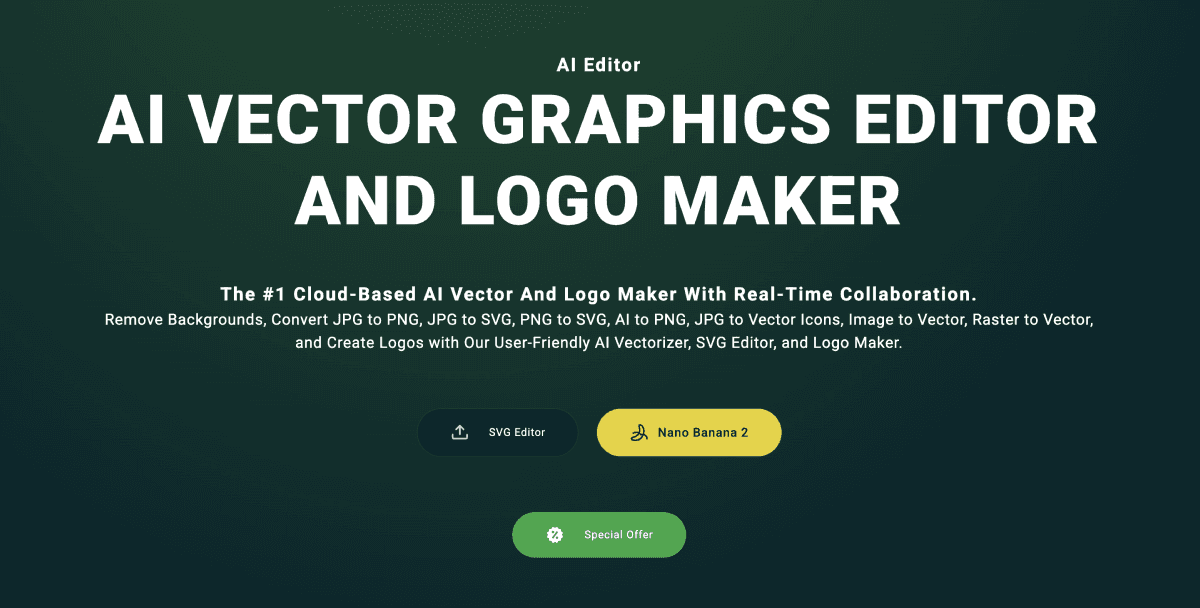
Vectr
Category: Design Tool
Vectr is a free online vector design tool. Supports collaboration and multi-platform. Ideal for icons, simple illustrations, and UI elements.
Read introduction →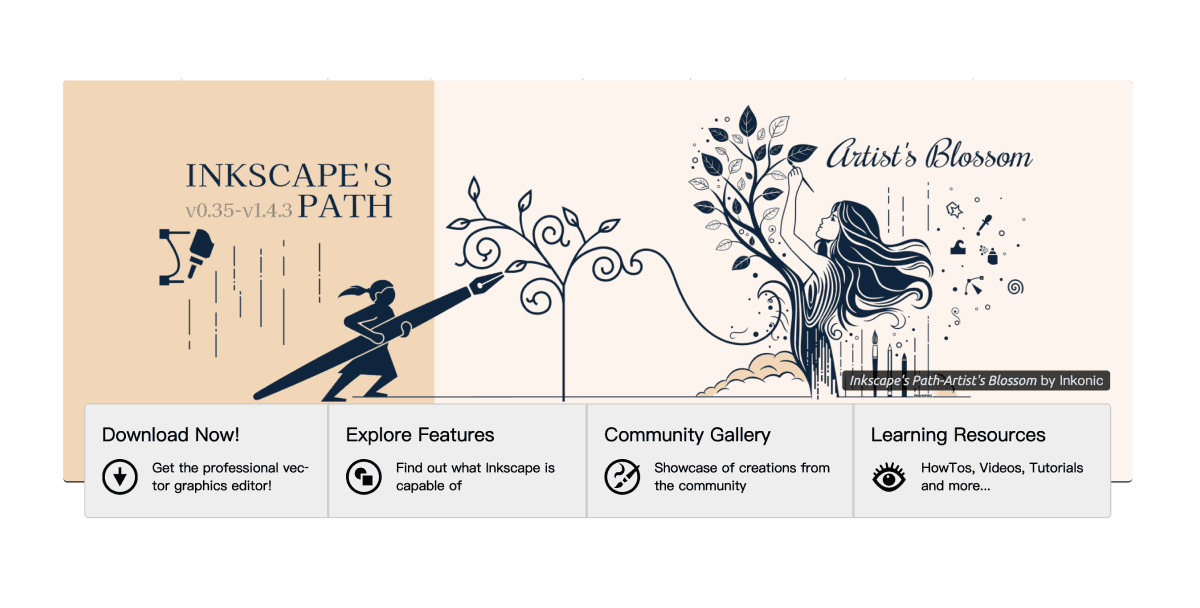
Inkscape
Category: Design Tool
Inkscape is an open-source vector graphics editor. Supports SVG editing, illustration, and logo design. Can replace parts of the Illustrator workflow.
Read introduction →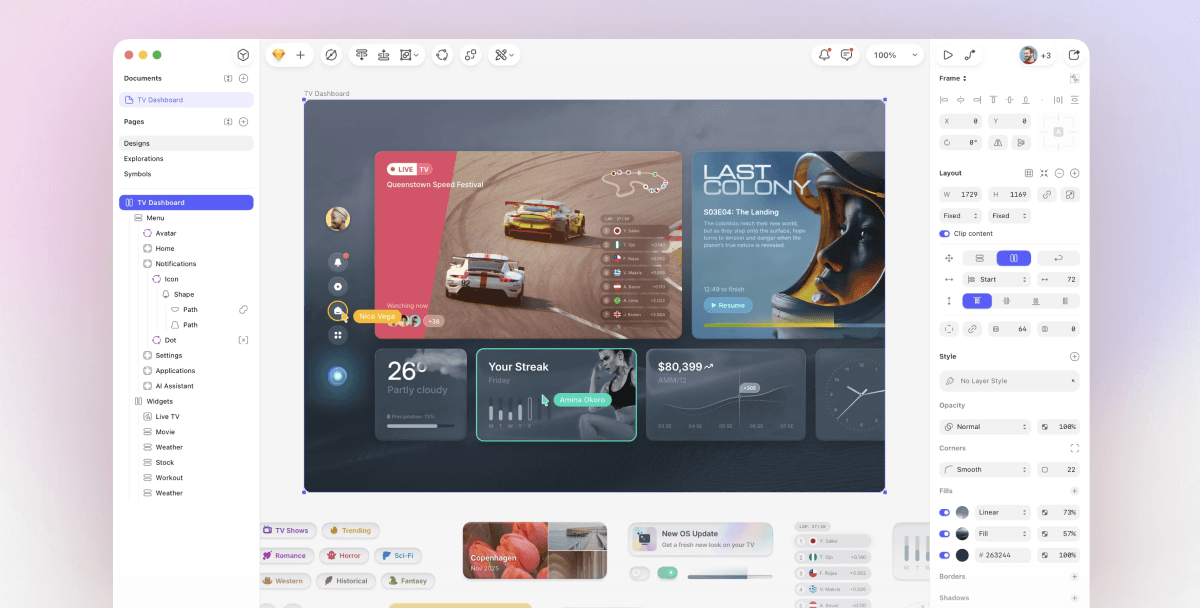
Sketch
Category: Design Tool
Sketch is a professional UI design tool for macOS. Known for vectors and components. Rich plugin ecosystem. Ideal for interface and icon design.
Read introduction →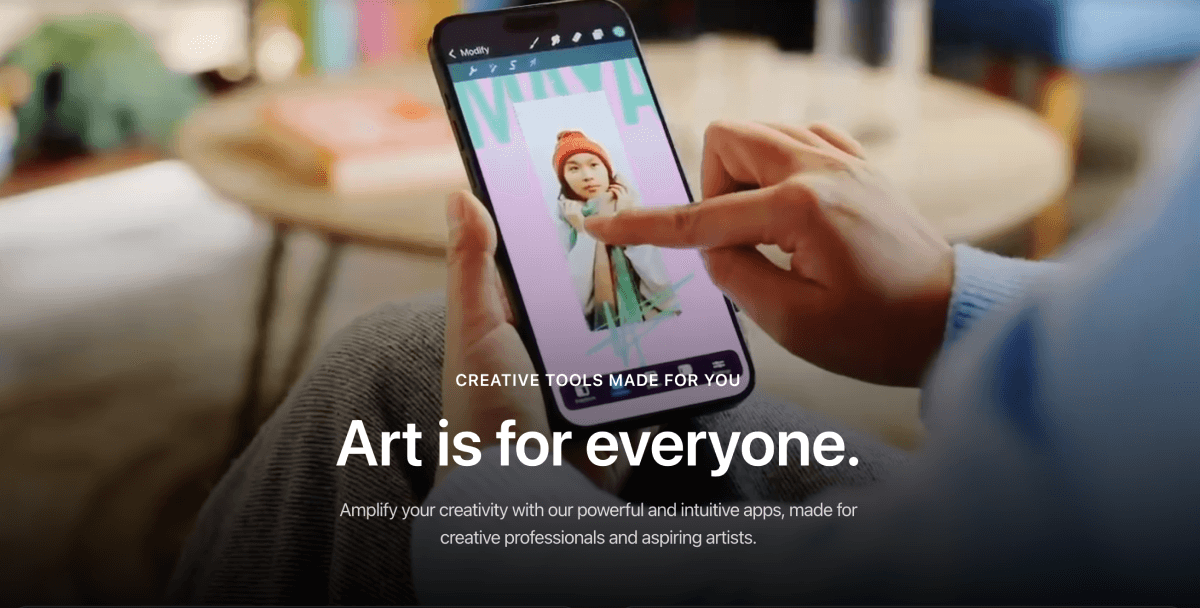
Procreate
Category: Design Tool
Procreate is a professional drawing app for iPad. Powerful brushes and layers. Ideal for illustration, concept design, and hand-drawn UI.
Read introduction →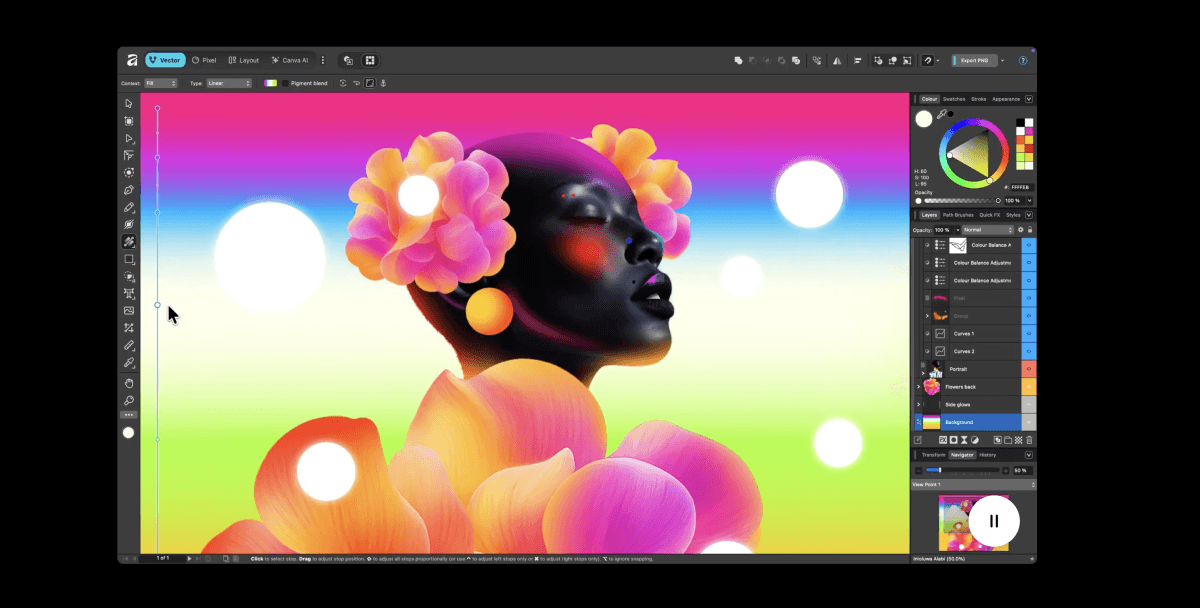
Affinity Designer
Category: Design Tool
Affinity Designer is a one-time-purchase vector design app. Supports vector and pixel modes. Can replace Illustrator.
Read introduction →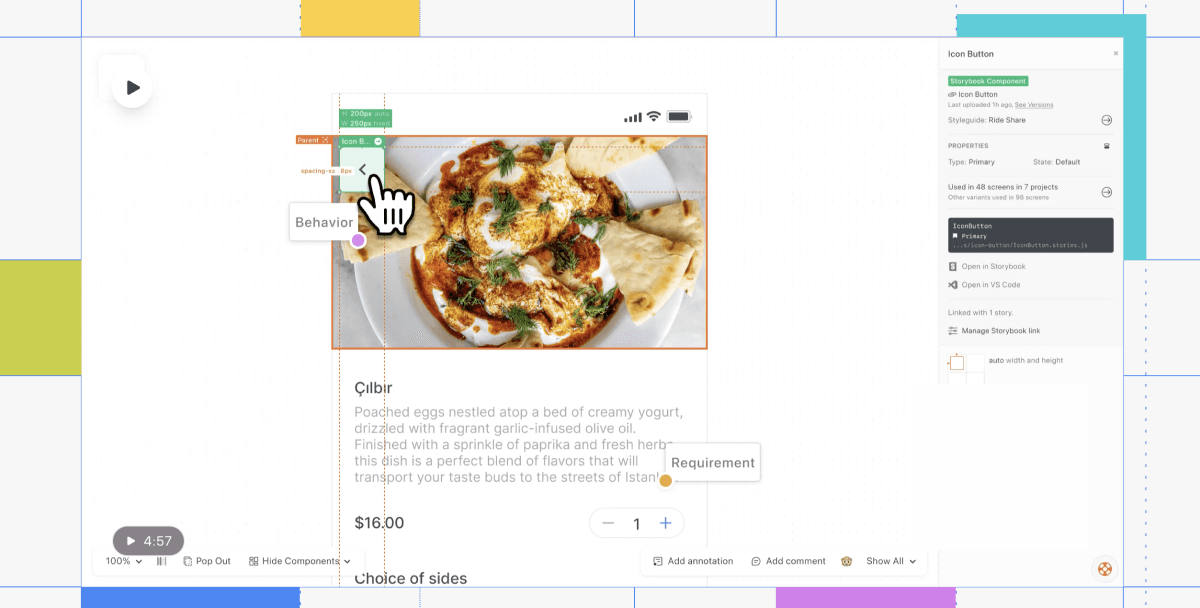
Zeplin
Category: Design Tool
Zeplin is a design handoff and collaboration platform. Sync specs, annotations, and assets from Figma/Sketch. Bridges design and development.
Read introduction →
Smartmockups
Category: Design Tool
Smartmockups provides device and scene mockup templates. Upload designs to generate showcase images. Ideal for portfolios and marketing.
Read introduction →